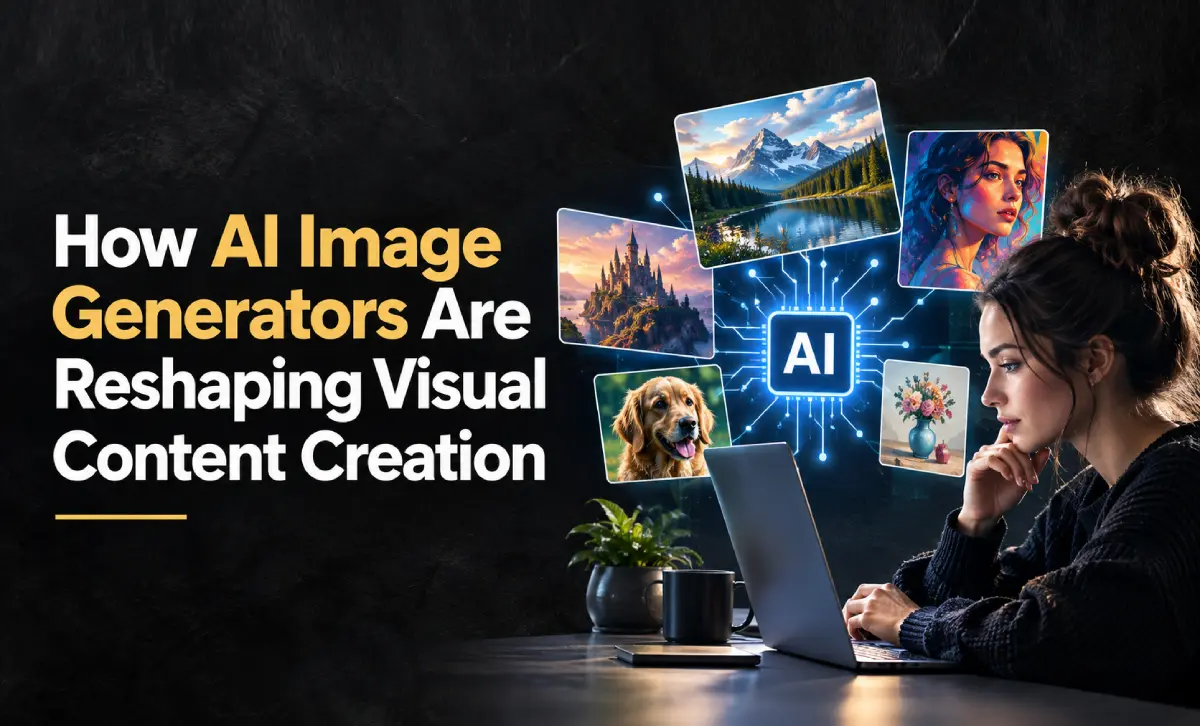
Visual content has become the backbone of modern marketing, social media, and digital storytelling. Brands, creators, and everyday users are expected to produce eye-catching graphics faster than ever, yet not everyone has access to a design team or the time to master complex editing software. This growing gap between demand and resources is exactly why AI-powered image tools have moved from a novelty to a necessity in just a few short years.
The Shift Toward AI-Generated Visuals
Traditional design workflows often involve sourcing stock photos, hiring freelance designers, or spending hours in editing software just to produce a single usable image. For small businesses, solo creators, and marketing teams working on tight deadlines, this process can be a significant bottleneck.
AI image generation changes that equation. Instead of starting from a blank canvas or scrolling through generic stock libraries, users can describe what they need in plain language and receive a custom visual within seconds. This shift isn’t just about speed — it’s about accessibility. People with no design background can now produce professional-looking graphics for social posts, blog headers, product mockups, and advertisements without relying on external help.
Tools like a free AI image generator have made this kind of instant, no-cost visual creation available to a much wider audience, lowering the barrier for anyone who wants to experiment with AI-generated visuals before committing to a paid workflow.
Behind the simple text box, these tools rely on machine learning models trained on enormous collections of images. Over the course of that training, the model learns patterns — how light behaves, how objects are typically composed, how different artistic styles look — and uses that learned knowledge to construct a brand-new image from a written description rather than pulling an existing photo from a database. Understanding this basic mechanism helps explain why results can vary so much between prompts, and why more detailed instructions tend to produce more accurate output.
Why the Underlying Model Matters
Not all AI image tools produce the same quality of output. The results depend heavily on the model powering the generator — how well it interprets prompts, how accurately it renders detail, and how consistent it is across different styles and use cases. Early AI image models were impressive for their novelty but often struggled with realistic hands, coherent text within images, or precise object placement.
Newer generations of models have addressed many of these limitations. More advanced systems, such as the GPT Image 2.5 AI image generator, are built to better understand nuanced prompts and produce more refined, contextually accurate visuals. This kind of progress matters for professional use cases where consistency and detail can directly affect brand perception — a slightly distorted product image or an oddly rendered face is far more noticeable in a marketing campaign than in a casual experiment.
Getting Better Results Through Prompt Detail
Even the most capable model can only work with what it’s given, and the wording of a prompt has a direct impact on the final image. A short, vague description such as “a coffee shop” leaves the model to fill in most of the decisions on its own, which often results in a generic, forgettable image. Describing the scene more specifically — the lighting, the mood, the setting, the level of realism — gives the model far more to work with and narrows the gap between what a person imagines and what actually gets generated.
This doesn’t mean every prompt needs to be long or complicated. It simply means that intent should be spelled out rather than assumed. Over time, many users find it helpful to build a small set of prompt structures for recurring needs, adjusting a few details each time rather than rewriting instructions from scratch for every new image.
Practical Use Cases Across Industries
AI image generation isn’t limited to one type of user. Its flexibility is part of what’s driving adoption across so many different fields:
- Social media marketing — Creating scroll-stopping graphics and thumbnails without waiting on a design cycle.
- E-commerce — Generating product mockups, lifestyle imagery, or background variations for listings.
- Content creators — Producing blog headers, YouTube thumbnails, and illustrative graphics that match a specific aesthetic.
- Startups and small businesses — Building a visual identity without the upfront cost of hiring a designer.
- Prototyping and concept work — Quickly visualizing ideas before investing in full production or photography.
In each of these cases, the appeal is the same: speed and accessibility without sacrificing too much on quality.
Choosing the Right AI Image Tool
With so many options available, it’s worth keeping a few practical factors in mind when selecting an AI image generator:
- Prompt accuracy — Does the tool consistently produce images that match what you described, or does it require excessive trial and error?
- Style flexibility — Can it handle realistic photography, illustrations, and stylized graphics equally well?
- Resolution and usability — Are the outputs high-quality enough for your intended use, whether that’s a website, print, or social media?
- Ease of integration — Does the tool fit into your existing content workflow, or does it require exporting and reformatting across multiple platforms?
- Cost versus need — A free tier may be sufficient for casual use, while more demanding professional work might benefit from advanced models with finer control.
Testing a tool on a few real use cases, rather than judging it purely on marketing claims, is usually the best way to determine whether it fits your workflow.
From First Draft to Final Output
It’s worth setting expectations early: the first image an AI tool produces is rarely the one that ends up getting used. Most workflows involve generating a handful of variations, comparing them, and then adjusting the prompt to push the result closer to what’s needed — maybe the composition needs to be simpler, the lighting warmer, or the subject positioned differently.
This back-and-forth is a normal part of the process rather than a sign that something has gone wrong. Treating the first output as a starting point rather than a finished product tends to produce noticeably better results, and it’s a habit that separates casual experimentation from more deliberate, professional use of these tools.
Reviewing AI Output Before You Publish
Generated images should be reviewed before they go live, no matter how convincing they look at first glance. AI-generated visuals can occasionally include small inconsistencies — an odd proportion, a strange background detail, or an element that doesn’t quite match the original request — and these are easier to miss on a quick glance than on closer inspection.
This is where AI tends to work best as part of a broader workflow rather than a standalone replacement for human judgment. Many creators use AI-generated images as a strong starting point and then make final adjustments in a traditional editor — cropping, correcting colors, or refining small details — before publishing. For business use in particular, taking a moment to confirm that an image accurately represents a product or brand is a small step that prevents avoidable mistakes down the line.
Conclusion
As AI image models continue to improve, the line between AI-generated and traditionally produced visuals will keep narrowing. What started as an interesting experiment has quickly become a practical tool for anyone who needs quality visuals without a full design pipeline. Whether it’s a marketer producing campaign assets, a small business owner building a brand, or a creator looking to speed up their content production, AI image generators are increasingly becoming a standard part of the creative toolkit rather than an optional add-on.
The technology is far from finished evolving, but its current state already offers a genuinely useful shortcut for anyone navigating the growing demands of visual content creation.