
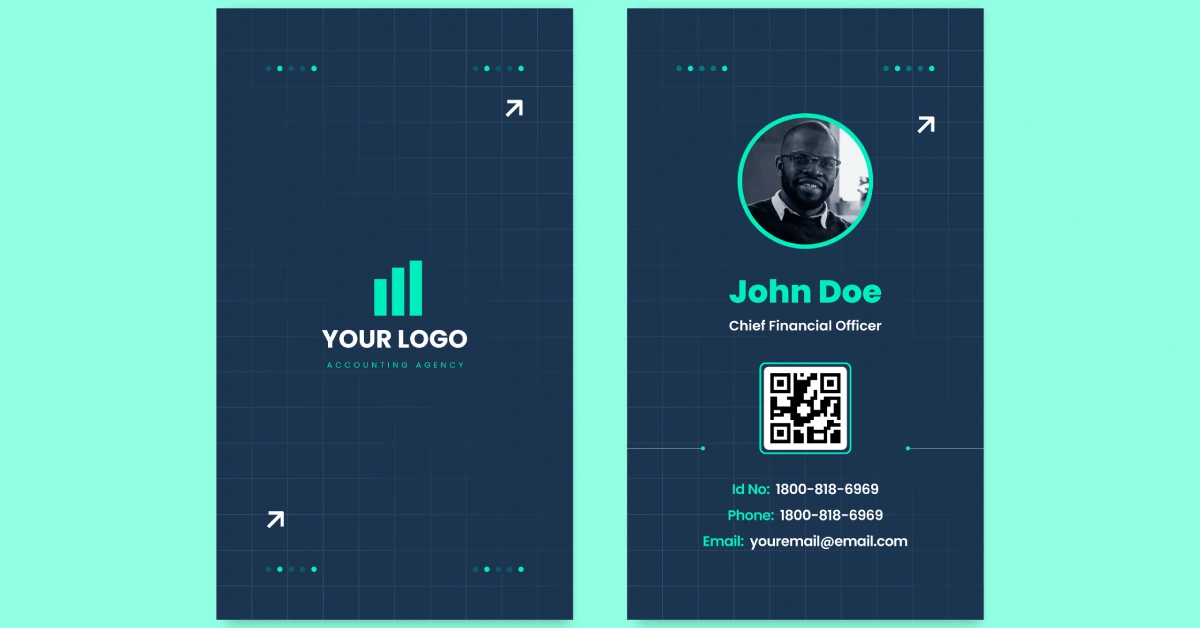
Remember when networking meant handing out paper cards and crossing your fingers that they wouldn’t end up in the trash? Today, leveraging NFC technology or a simple link means your details are instantly shareable, impossible to misplace, and ready to convert a brief chat into a lasting connection.
You’ll find it especially helpful when conversations move fast, whether you’re at a meeting, a casual event, or connecting with someone online. Instead of scrambling to type out your contact information or searching through screenshots and photos, you can send everything cleanly in one tap. It’s a simple way to show you’re organized and prepared, which people notice instantly.
If you want a digital business card that actually makes a strong first impression, here are practical tips to help you create one.
Choose a Format That Fits Your Networking Style
Before diving into design, consider how you typically exchange details when meeting someone new. Some people prefer sending a link, others like showing a QR code, and some want something even faster. That’s why deciding on your format first matters. It shapes how easily others can save your information and how confidently you can share it.
If you often meet people in passing or during quick conversations, NFC business cards can make the process feel smoother. Some people prefer tap-to-share because it eliminates the extra steps that can slow down a busy moment. If you’re considering that route, choosing the best NFC digital business card helps ensure your details open smoothly on most phones without making the exchange feel awkward.
Once you know the format that suits your style, it becomes easier to plan the layout, the information you’ll include, and how your card will display on different mobile devices.
Add Clear, Updated Contact Information
Your contact details are the core of your card. Keep them sharp, complete, and strictly up to date. Ensure your platform supports one-tap vCard downloads, allowing new connections to save your details directly to their phone’s address book without manual typing. Start with your name, job title, email address, and virtual phone number. Then decide what else matters. If your work depends on location, you may want to add a Google Maps link. If you prefer contact sharing online, include a contact form directly on your card.
Be careful not to overload your virtual business card. You don’t need every detail you’ve ever used on marketing collateral or print business cards. Give people the essentials so it’s quick and intuitive to reach you. That’s especially important for busy contacts using mobile devices while on the go.
Design With Focus and Consistency

Avoid visual clutter. Your digital card should reflect your brand identity with clean typography, ample white space, and a clear visual hierarchy. Treat your digital card like a personalized microsite, prioritizing your most critical conversion points. Place your name and title at the top, group contact details for quick scanning, and separate social links into a dedicated, organized section.
If you want to get creative, multimedia features like inline images, YouTube videos, or short introductions can work well, but only when they serve a clear purpose. Every element should help someone understand who you are or how to reach you.
Use QR Codes for Fast Access
QR codes make your digital card incredibly easy to share. They also work well for people who aren’t familiar with contact download tools. You can set up a static QR code or explore dynamic QR codes if you want the ability to update your details without creating a new image every time.
A QR code generator helps you produce a code that leads directly to your virtual business card, website URL, or contact info page. Add your QR code to your email signature, marketing collateral, or even printed materials. This helps connect your offline and online presence seamlessly.
If you want deeper insights, some platforms offer analytics tracking that shows engagement data, like how many people scanned your code or opened your card. For advanced networking, choose a platform that offers CRM integration, automatically syncing new contact scans directly into your sales pipeline. This helps you understand how well your networking efforts are working.
Optimize for Mobile Devices
Most people will open your digital card on their phone, so mobile optimization is essential. Make sure the font sizes are readable, the layout doesn’t require zooming, and all buttons are easy to tap. If your card is clunky or slow to load, people will bounce immediately and forget you ever met.
Mobile-friendly cards load quickly, preview correctly, and show clear contact sharing options. If your platform allows dragging and dropping elements or customizing your interactive webpage, take the time to preview everything on a phone before sharing it widely. Confirm that all content loaded properly and that there aren’t broken links or slow-loading sections.
The Bottom Line
Your digital business card is your 24/7 networking ambassador. By choosing the right format, maintaining a clean design, and keeping your details updated, you turn fleeting introductions into tangible lead generation opportunities. Build yours today, test it on your phone, and start making every first impression count.